
How is my store doing?
The selected period is compared with the previous one; green arrow is good, red means watch out.
Overview
Sales, sessions, conversion and Buybox at a glance. It tells you what changed and why in one sentence, and shows what to do with each product in ready-made lists.
Open it from the Reports menu; the next step is already on screen.
50% off your first month, code: MERHABA
Figures in the screens are sample store data.
How is my store doing?
The selected period is compared with the previous one; green arrow is good, red means watch out.
Overview
Is my inventory healthy?
Products are grouped by status: stars, traffic without sales, low traffic, not in inventory.
ASIN Analysis
Why am I not getting sales?
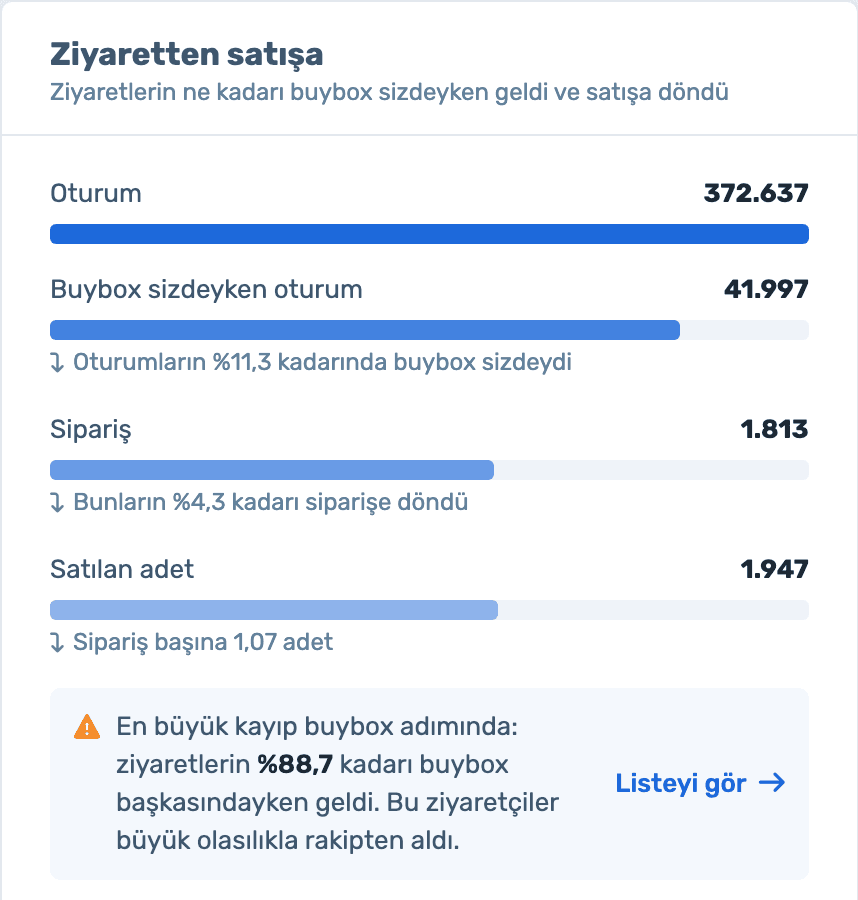
The path from sessions to sales, step by step, with the losing step highlighted.
Sales & Traffic
Why aren't my sales growing?
Sales are split into traffic, conversion and price, and the main driver is marked.
Sales & Traffic
Why isn't my Buybox rate going up?
Products where you miss the Buybox are in a ready list, so you know where to check competitor price and your pricing rule.
Action lists
Sign up and connect your store; the analysis is prepared automatically. Already a member? Log in and open it from the Reports menu.
Sales, units sold, sessions, conversion, Buybox and average price, each with its change versus the previous period.
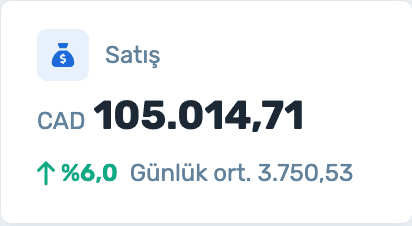
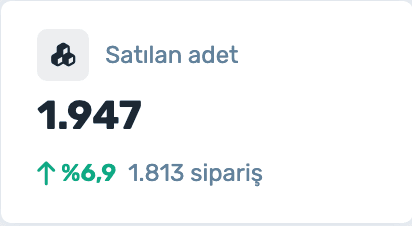
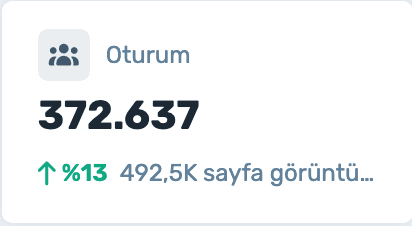
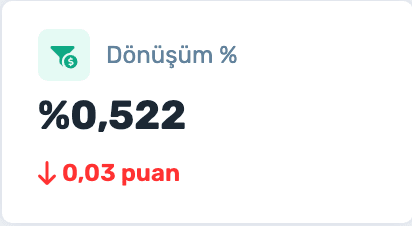
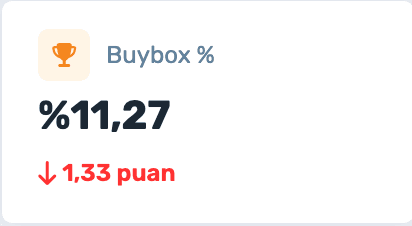
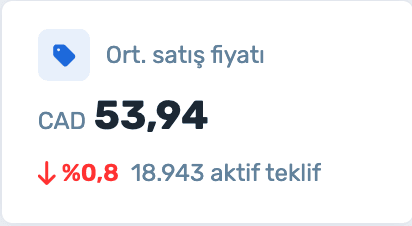
Each factor’s change is shown separately, the main driver is marked, and the next step is written in one sentence below.

The sessions-to-sales funnel shows how many sessions came while you held the Buybox and how many turned into orders. The warning appears on the step with the biggest loss.
Sign up and connect your store; the analysis is prepared automatically. Already a member? Log in and open it from the Reports menu.
You uploaded thousands of products; how many actually work? The catalog coverage alert tells you how many were never viewed.


Six ready lists: protect winners, win back the Buybox, review price, check the product page, relist, remove from catalog. Set margin, rescan or remove the selected products in one click.
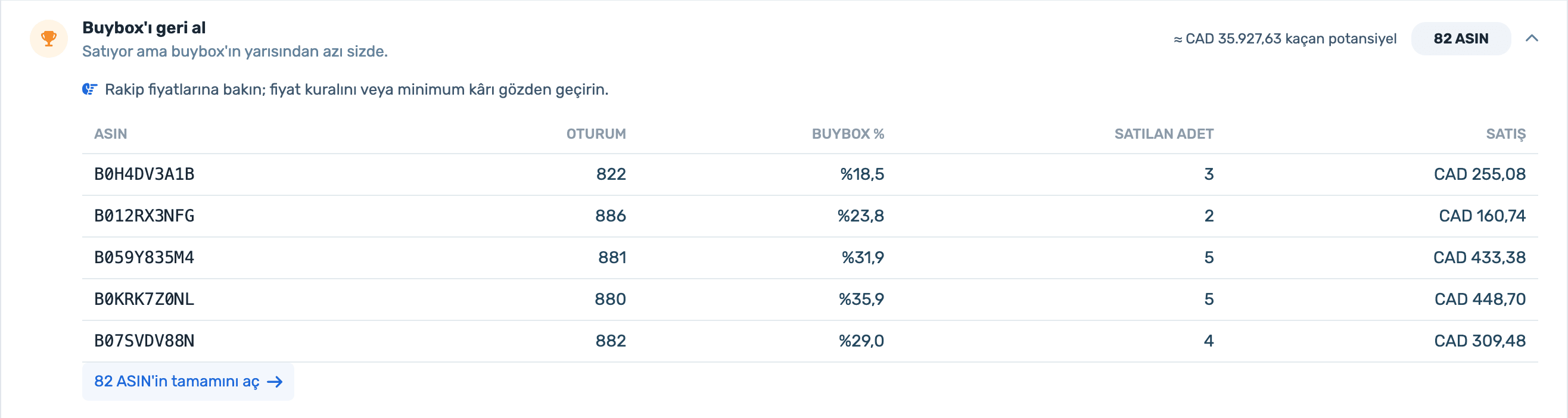
Sign up and connect your store; the analysis is prepared automatically. Already a member? Log in and open it from the Reports menu.
A forecast of units and sales with a likelihood range; the Season Calendar tab shows special days in the next 60 days with preparation tips.
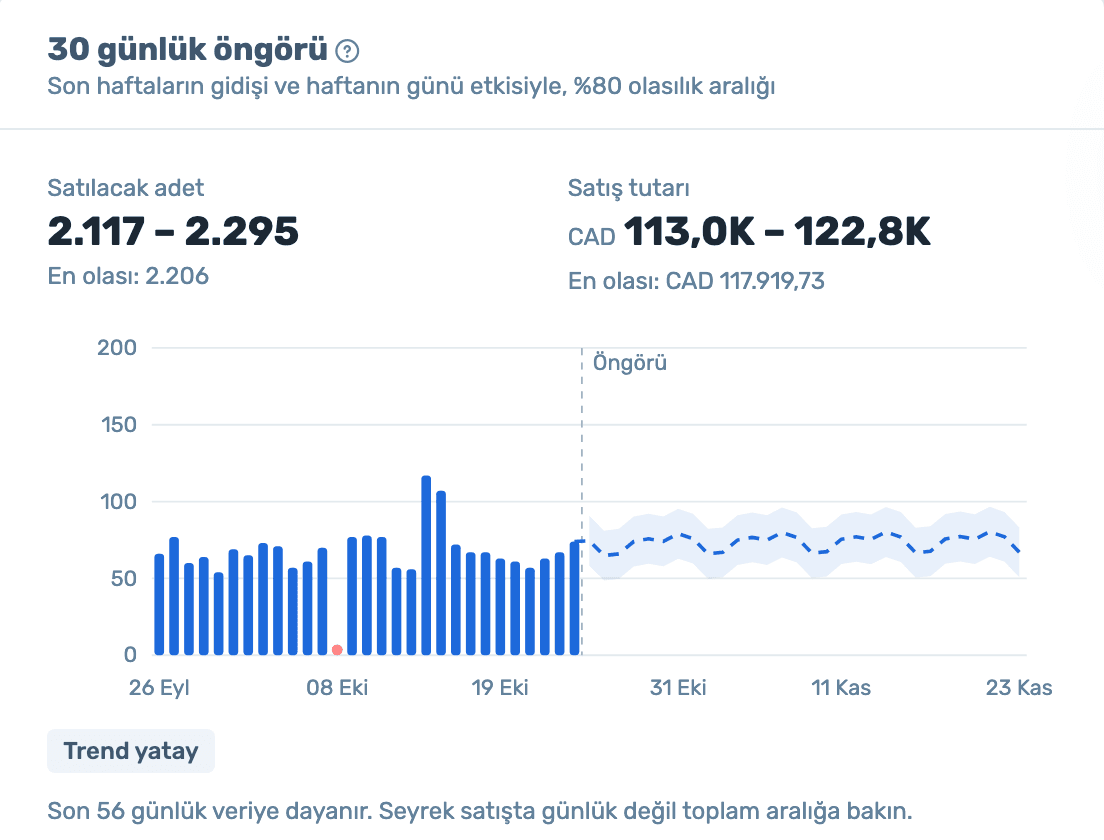
Figures in the screens are sample store data.
What changed, why, and what to do: all on one page. Free for all EasyCentral users.
50% off your first month, code: MERHABA
Used EasyCentral before? 30% off to welcome you back: GERIDON